- SalesforceChaCha
- Posts
- 💃 Named Query API Unlocked 🕺
💃 Named Query API Unlocked 🕺
A smarter route for apps and agents

Salesforce ChaCha
November 25, 2025 • Estimated Reading Time: 3 minutes
Good morning, Salesforce Nerds! What a time to be alive! 🥳
Until now, if your app or your agent (think chatbots or internal tools) needed data from the Salesforce Platform org you typically had two routes:
Use REST/SOQL: call
/query, write messy SOQL in code, expose too–much or too–little. 😰Build flow/Apex: create a custom Flow or Apex class, wrap it as an invocable action, maintain code and logic. 😰
Soon … a third way!
Today we look at the Named Query API (Beta) – a declarative, lean way to define a SOQL query, expose it as a REST endpoint and/or an agent action.
For developers, architects, and admins this is an elegant bridging API. 🌉
Simple to author, secure to expose, predictable to consume.
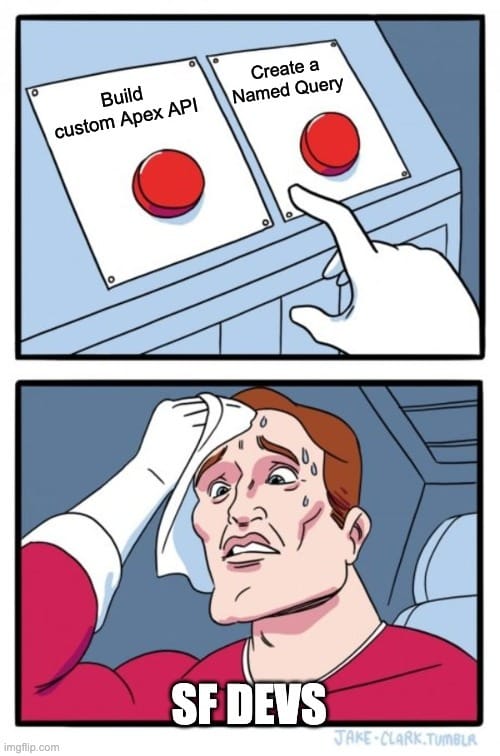
TABLE OF CONTENTS
💃 Named Query API Unlocked 🕺
DEFINE ONCE, USE EVERYWHERE
CORE CONCEPTS
Here are the building blocks: 📦️
Named Query API Definition
In Setup: Integrations → Named Query API you define a label, API name, version, and the SOQL body (with parameters if needed).Parameters
You can parameterise the WHERE clause (e.g.,WHERE Name = :name) and the LIMIT clause (LIMIT :maxrecords). In the Beta, some limitations apply.REST Endpoint
Once saved (and deployed), the Named Query becomes a REST endpoint:
/services/data/v65.0/named/query/MyQuery?param1=fooYou don’t need to hand‐craft this. ❌
Agent Action
In an agent or internal tool you can leverage the Named Query API as an “action” (for example in the Agent Creator) by activating it in the API Catalog.Security & Metadata
Access rights follow the user’s profile/permissions to the objects being queried. The query metadata can be deployed via SFDX/Metadata API.
FROM IDEA TO ENDPOINT IN MINUTES
HOW IT WORKS
This is pretty straightfoward …
1️⃣ Enable Beta
Go to Setup → User Interface → “Enable Named Query API (Beta)”.
2️⃣ Create the Query
In Setup → Named Query API: click New Named Query.
Give Label/API Name, select version.
Enter SOQL (e.g.,
SELECT Id, Name FROM Account WHERE Name = :name LIMIT :maxrecords).Define parameter details.
3️⃣ Deploy via Metadata (optional)
In VS Code: create <MyQuery>.apiNamedQuery-meta.xml, deploy.
4️⃣ View in API Catalog
The new query appears automatically in Setup’s API Catalog listing. You can activate it for agent actions.
5️⃣ Consume the REST Endpoint
Example call:
GET /services/data/v65.0/named/query/AccountFromName?name=Urban%20EatsResult: JSON with records. ✅
6️⃣ Hook into Agent or App
Use in an agent workflow or backend app with standard REST call patterns.
7️⃣ Manage & Audit
As it's in the catalog, you can govern, version, document and monitor usage.
FEWER LINES, FEWER ISSUES
WHAT IT SOLVES
For apps and agents accessing Salesforce data, Named Query API brings the following:
🖱️ Declarative query creation: Admins and devs define queries once; no custom Apex wrapper or Flow required.
🗳️ REST semantics for apps: External apps no longer need to embed raw SOQL or build custom endpoints. They call a clean REST URI.
🔐 Security alignment: The executing user’s permission set and field/object access still apply, reducing “too much data” risk.
🏗️ Maintenance benefits: Query logic lives in one place (metadata), not scattered across Apex, flows and integration code.
🔎 Discovery & reuse: Through API Catalog, other teams see and reuse named queries, promoting consistency.
In short: you reduce overhead, increase visibility and deliver data access faster with fewer moving parts. 🔥
STILL BETA: READ THE FIND PRINT
LIMITATIONS & CAVEATS
Because Named Query API is still in Beta (Winter ’26 release timeframe) you should treat it as an emerging capability, not a production‐only tool. ⚒️
Key limitations to note: 👇️
Only parameters in
WHEREandLIMITclauses are supported. You cannot parameteriseOFFSET,DISTANCE,INCLUDES, or nested sub-queries.Once activated for use as agent action, you cannot edit/delete the named query until deactivated. 👀
Usage monitoring and SLA may not be at full GA maturity. Beta features often lack full support commitments.
Versioning and refactoring need careful planning. If you change the SOQL semantics underneath, consumers (apps/agents) might break.
Security remains your responsibility: ensure profiles/permission sets are correct and that you’re not exposing unfiltered queries.
For now treat Named Query as “production-adjacent”.
Very useful, but plan your fallback and versioning strategies accordingly. 💯
GO BUILD CLEANER DATA ACCESS
TAKEAWAY
If you’re architecting data access for agents, front-end apps or integration services within Salesforce, here’s your quick checklist:
✏️ Define clear use cases where apps/agents need filtered data from Salesforce—especially repeatable feeds or queries.
🔧 Build your Named Query(s) in Setup or metadata, parameterise smartly, document what each query does.
🚀 Expose them as REST endpoints, consume from your apps or bots, leverage standard HTTP tooling instead of raw SOQL clients.
🔐 Align security: ensure the executing user’s permissions restrict what the query returns, and that parameter inputs are validated.
🧪 Pilot the Beta: test thoroughly, plan for statement evolution, watch for API governance in your org.
📊 Govern via API Catalog: treat named queries as first-class “services”—version them, monitor usage, retire when necessary.
In short: use Named Query API to swap your custom endpoints or code‐heavy flows for clean, reusable, discoverable query services.
It’s not a silver-bullet just yet. 🔫
But as it reaches GA it’s poised to become a core piece of how we deliver data to agents and apps on the Salesforce Platform.
SOUL FOOD
Today’s Principle
"If we have data, let's look at data. If all we have are opinions, let's go with mine."
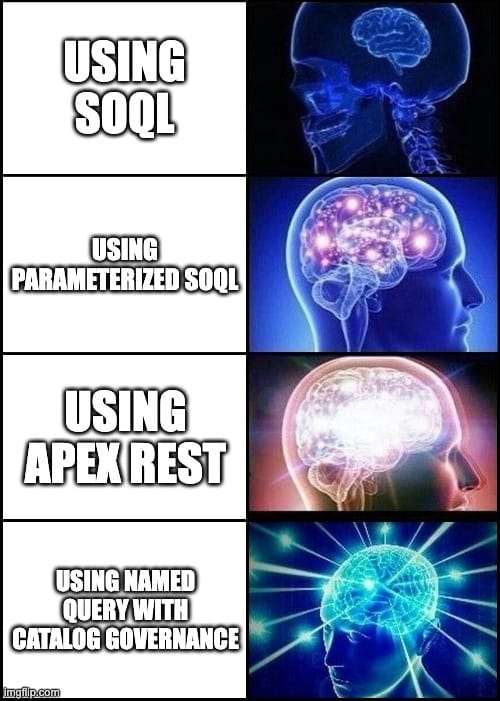
and now....Salesforce Memes

What did you think about today's newsletter? |